For security, low-voltage, fire and AV integrators
From site walk to signed proposal.
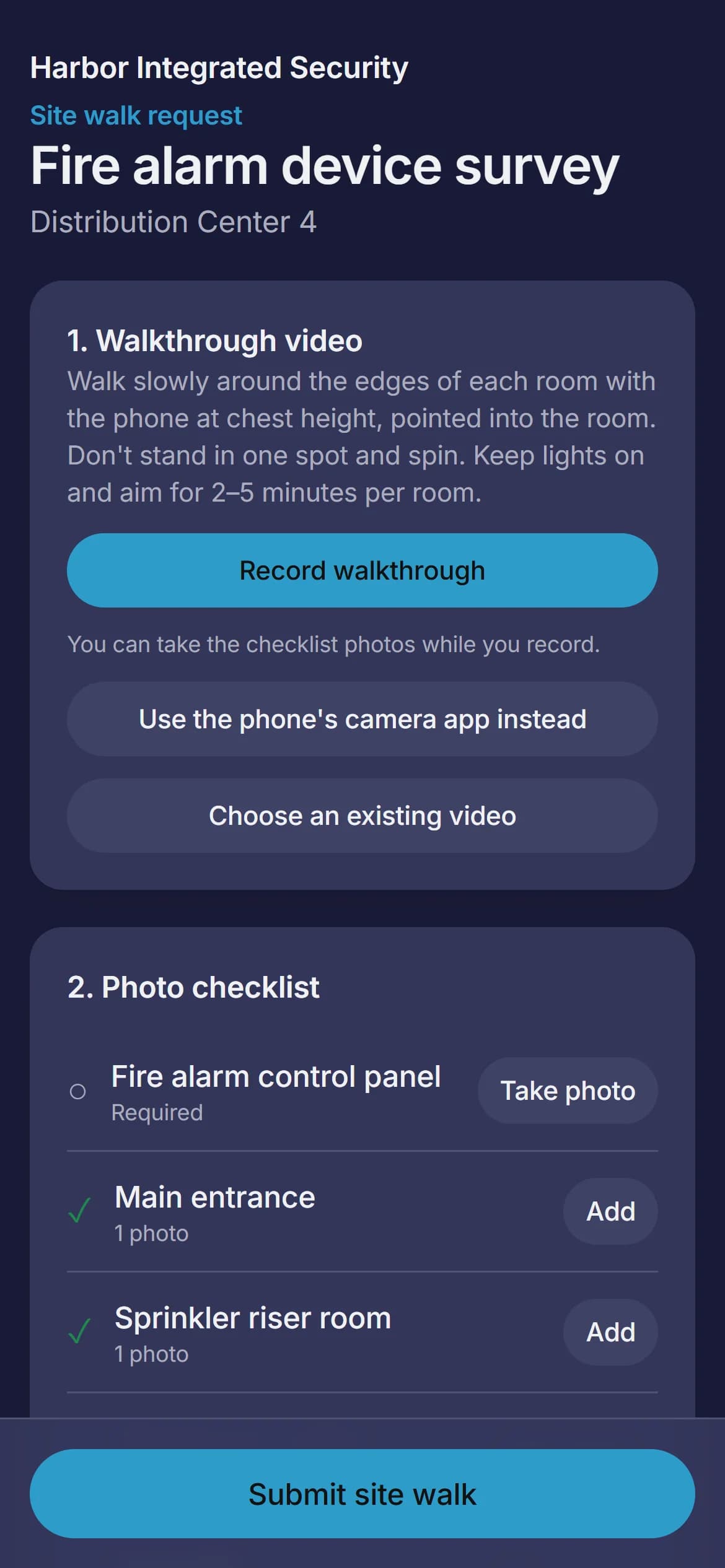
Do the site walk on your phone, or send a link to whoever's there when you can't make the trip. Either way, every photo lands in one place, organized and ready to mark up, price and send.
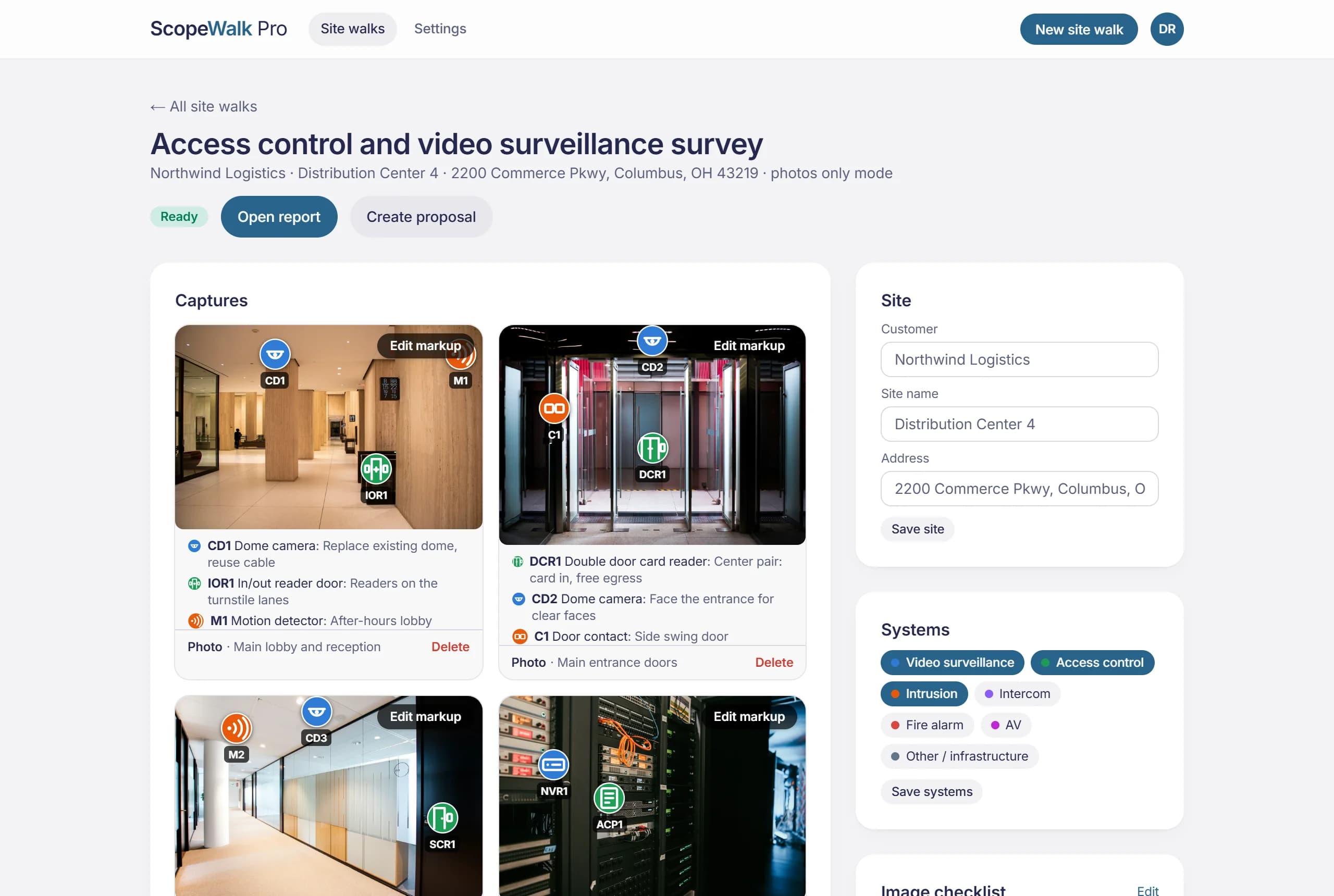
Everything the job needs. Nothing to install.
One link does the walk. The rest is already done when you open it.
No app. No account.
They open your link in their phone's browser, confirm a code from their email and start walking. Your checklist is on screen the whole time.
Hi Marcus,
Dana Ruiz (Harbor Integrated Security) asked you to capture a site walk for Fire alarm device survey.
Open this secure link on your phone:
dashboard.scopewalkpro.com/c/7Qm4…
When you open it, we'll email a 6-digit code to this address to confirm it's you.
Doing the site walk?
Send it to your own phone in one tap. The checklist becomes your plan for the visit, so nothing gets missed.
Capture
Send to my phoneWalk it on this deviceFloor plans, with coverage.
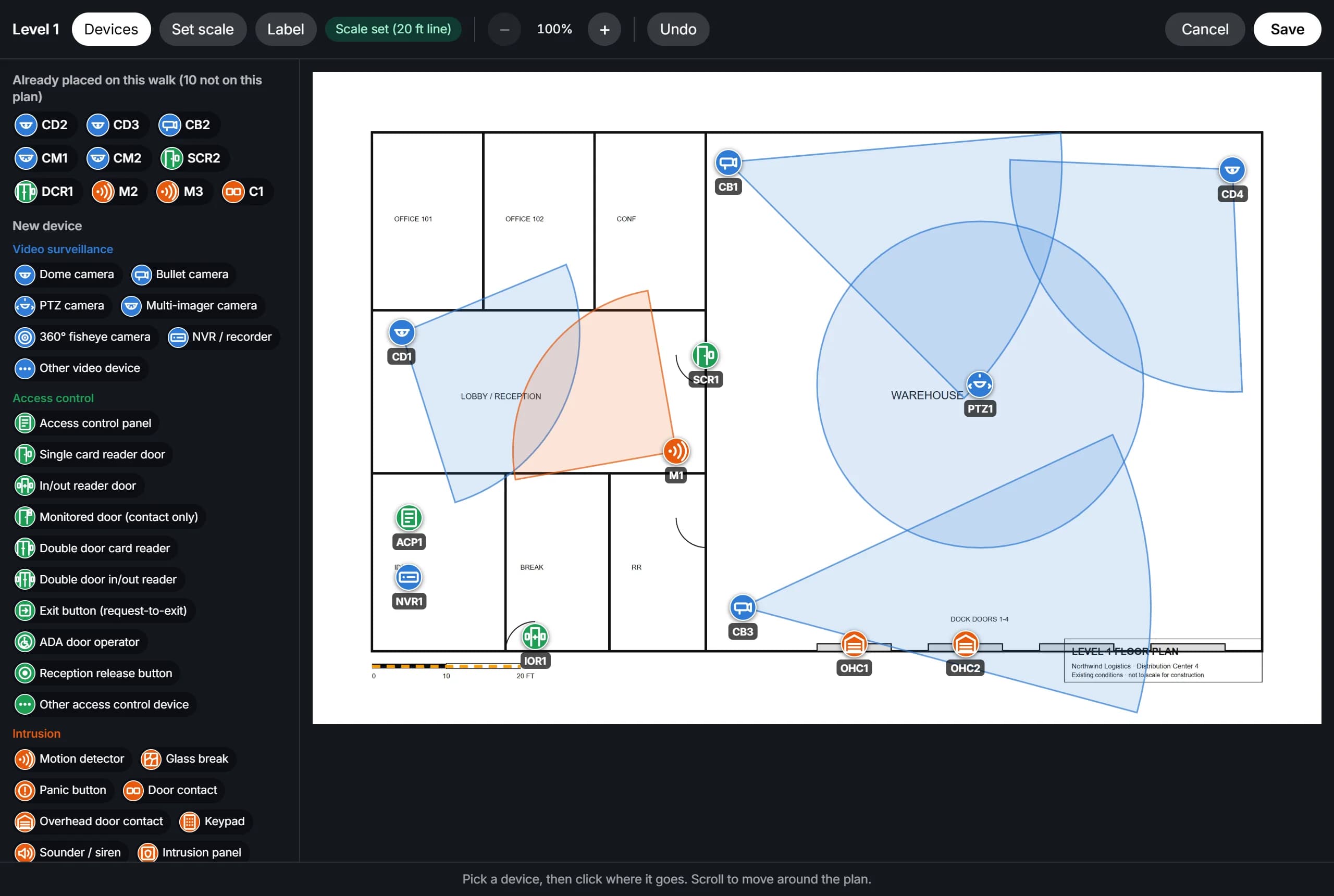
Drop the customer's PDF in, set the scale, and place each device where it goes. Aim cameras and see what they cover.
A bill of materials that builds itself.
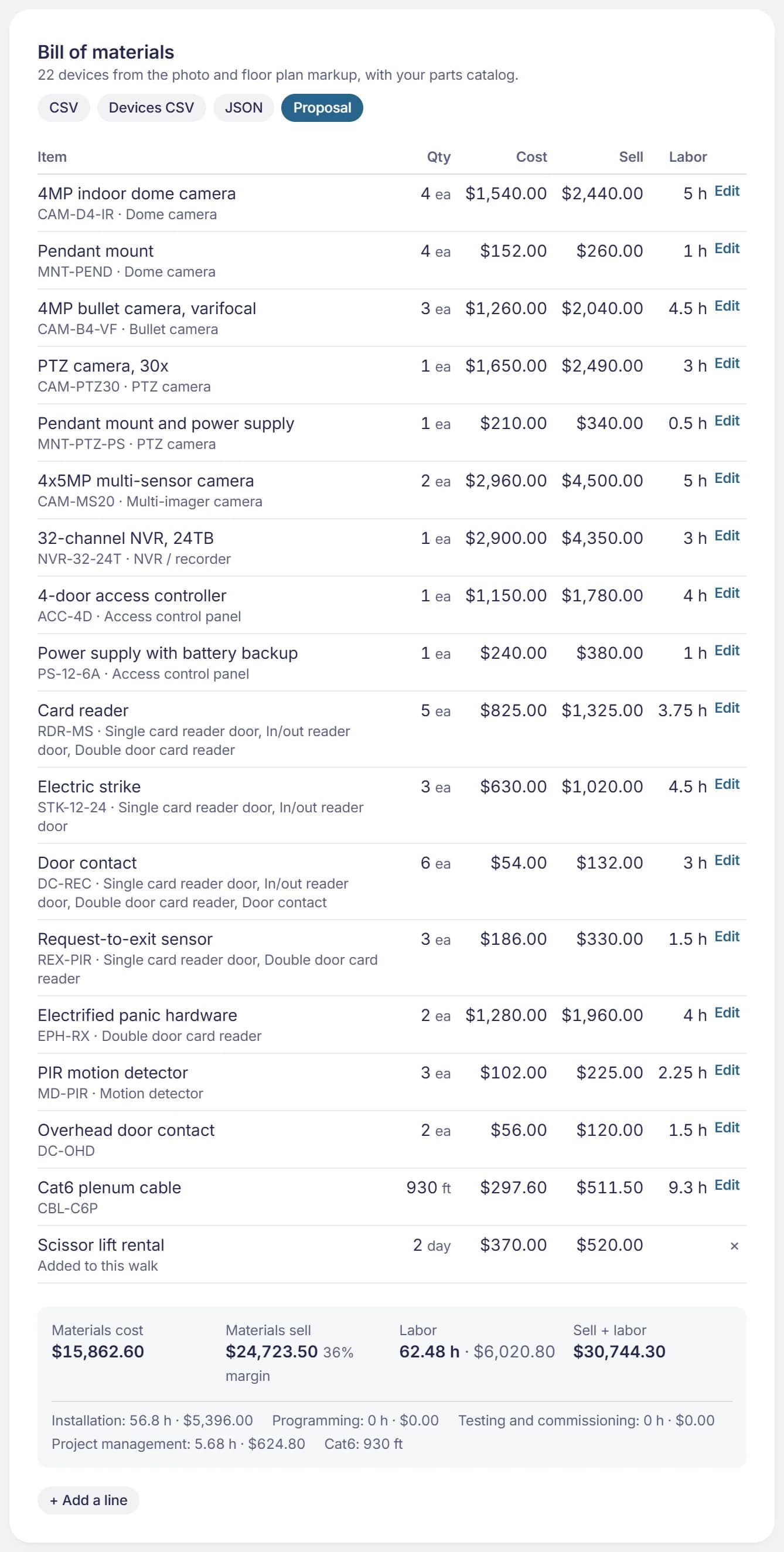
Every device on the photos and plans, times your parts catalog. Cost, sell, margin and labor, ready for the quote.
Straight into Procore and Fieldwire.
Photos, devices, floor plans and the report PDF land in the project. Send again and they update instead of piling up.
How it works
From a link to a scoped job.
Do the site walk on your phone or send it to whoever's there. Either way, the photos, markup, parts and proposal end up in one place.
Step 1
Make the list. Send the link.
Name the site, pick the systems and list every shot you need. Email the link to someone on site, or send it to your own phone and use the list as your plan.
Hi Marcus,
Dana Ruiz (Harbor Integrated Security) asked you to capture a site walk for Fire alarm device survey.
Open this secure link on your phone:
dashboard.scopewalkpro.com/c/7Qm4…
When you open it, we'll email a 6-digit code to this address to confirm it's you.
Step 2
They walk it with their phone.
No app, no account. They record a walkthrough and work down your checklist in any order. Photos taken mid-video link back to that moment.
Step 3
You get the walk, organized.
Every photo under the checklist item it answers, with notes, 360° views and an AI summary. Mark it up, then send the report.
dashboard.scopewalkpro.com/walks
Markup
Mark it up like you'd sketch it.
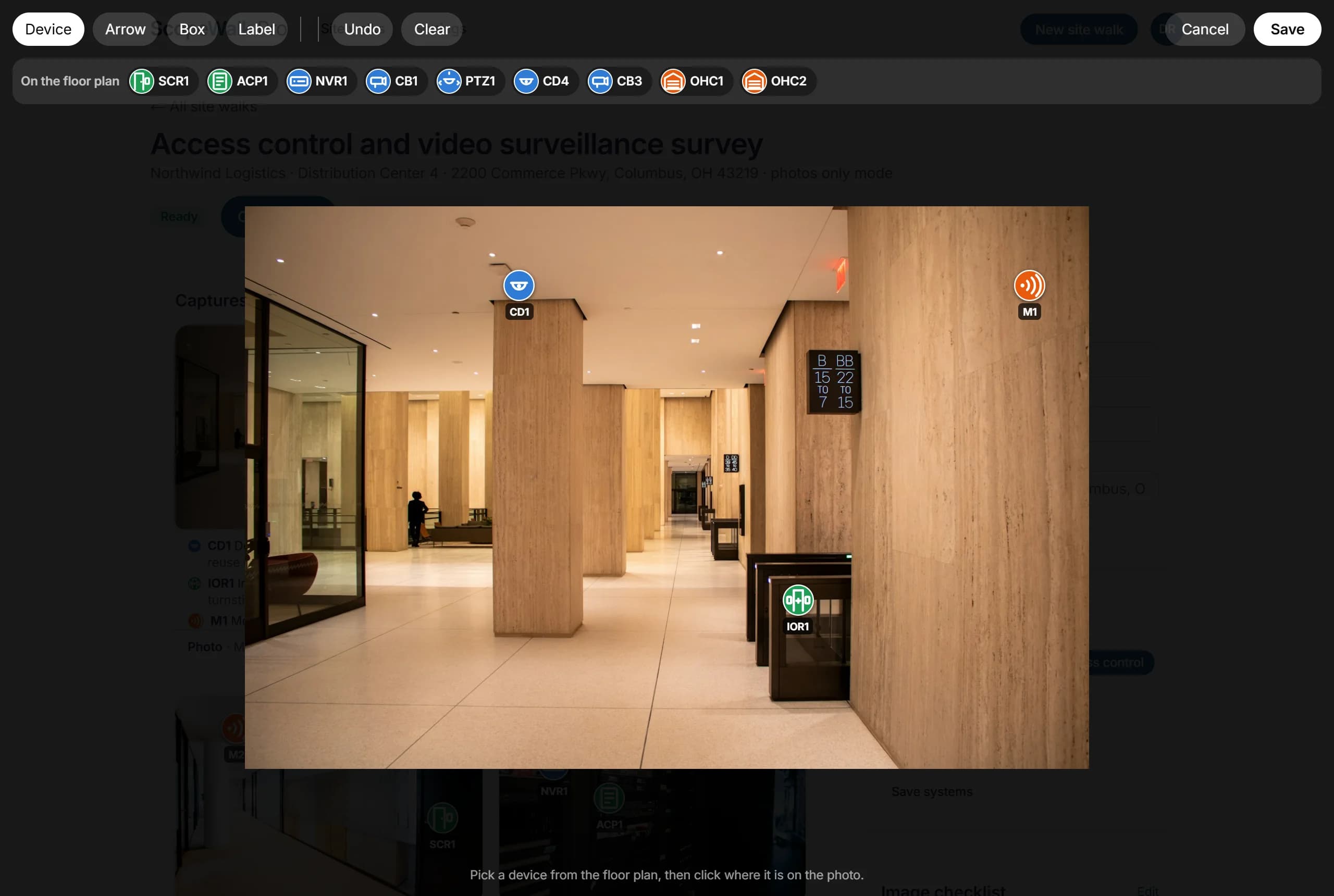
Pick a device, click where it goes, say what it should cover. 72 device types across video surveillance, access control, intrusion, intercom, fire alarm, AV and other / infrastructure, numbered across the whole walk.
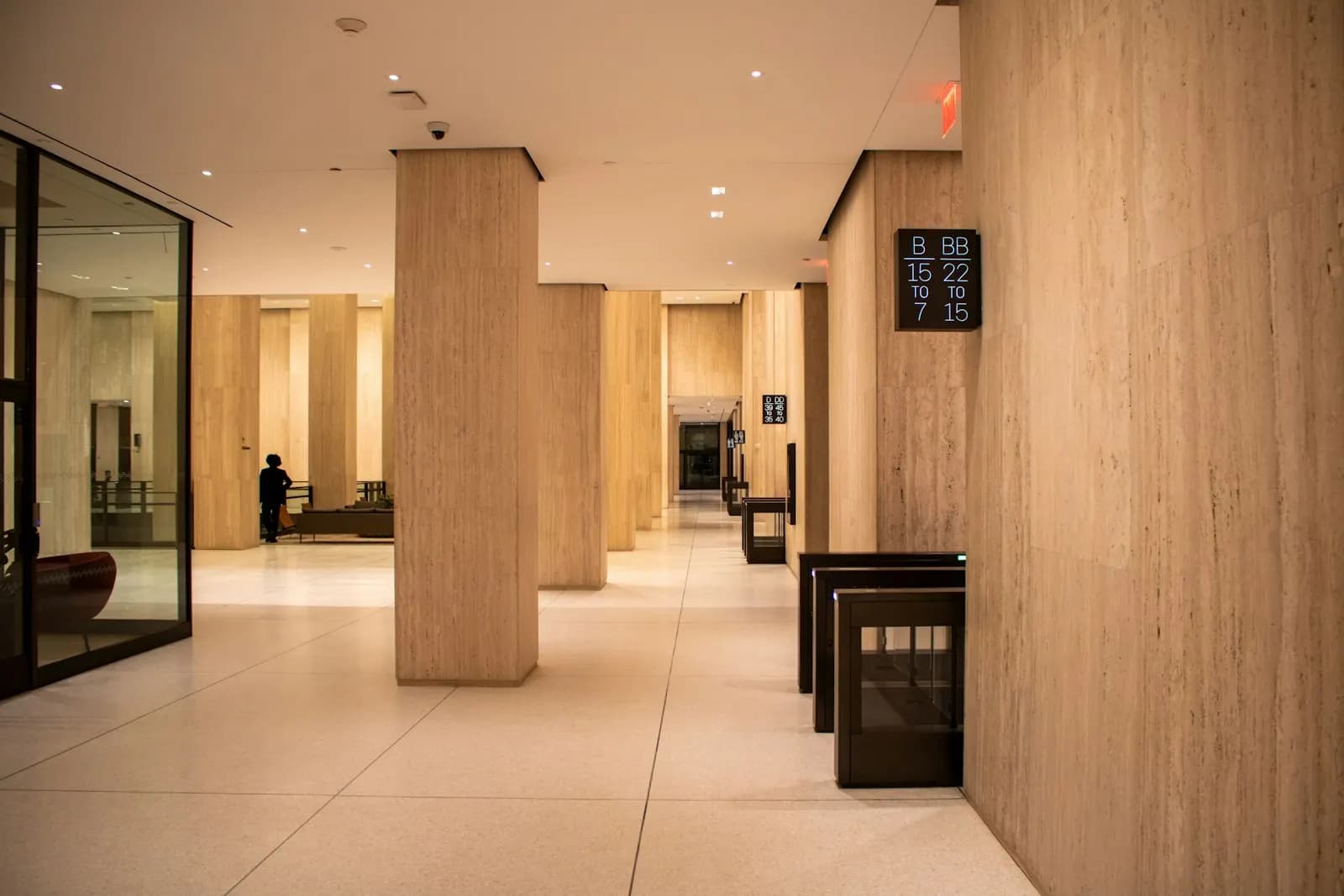 CD1IOR1M1
Device schedule
- CD1 Dome cameraReplace existing dome, reuse cable
- IOR1 In/out reader doorReaders on the turnstile lanes
- M1 Motion detectorAfter-hours lobby
Floor plans
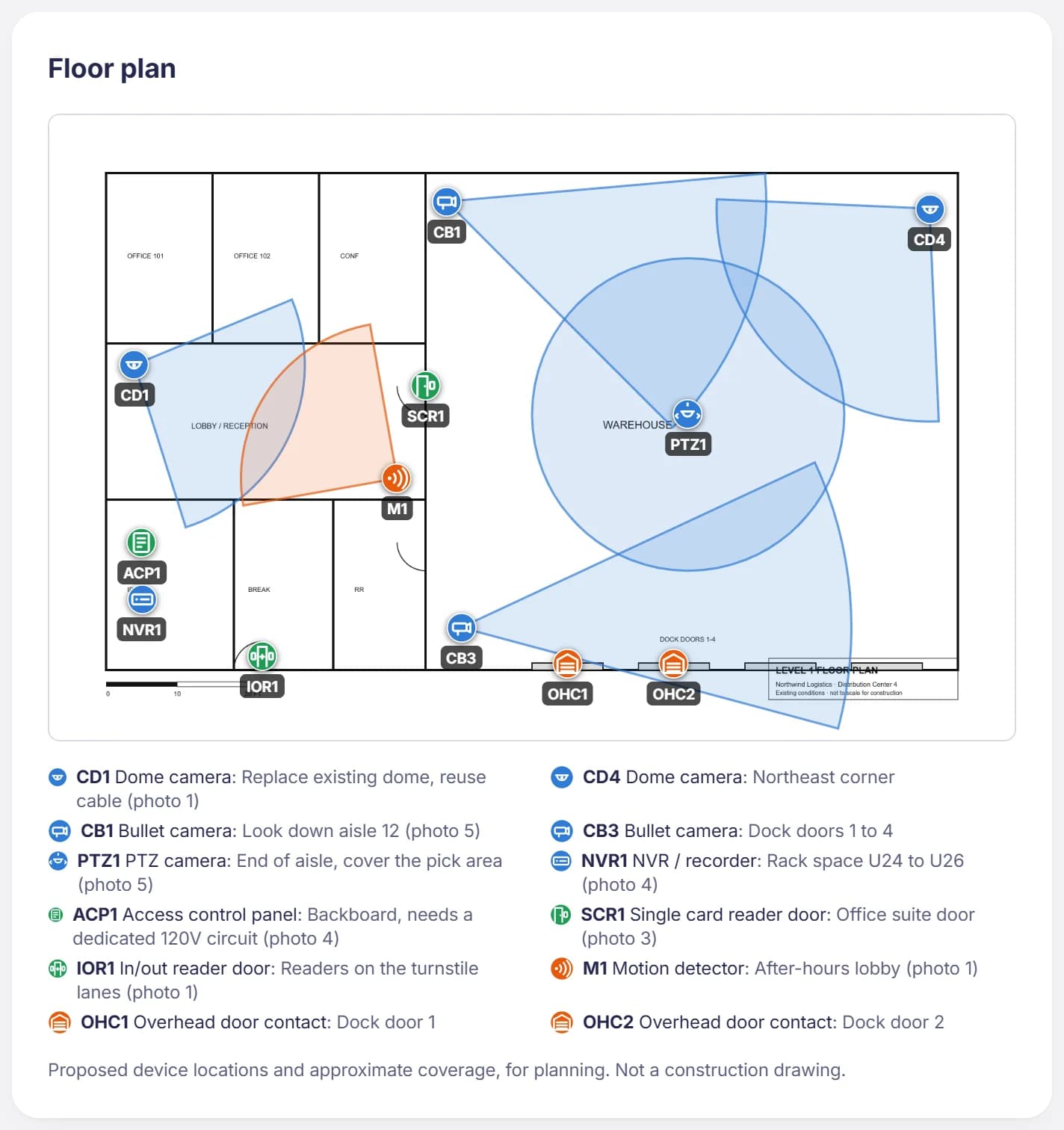
Put it on the plan.
The same devices, on the customer's drawing: CD1 on the plan is CD1 in the photos. Coverage drawn to scale, so whoever draws it up later starts from locations and counts, not a blank sheet.
The report
A report you'd put your name on.
Your logo, the photos by checklist item, the floor plans, a device schedule that counts itself and a parts list. One click to PDF.
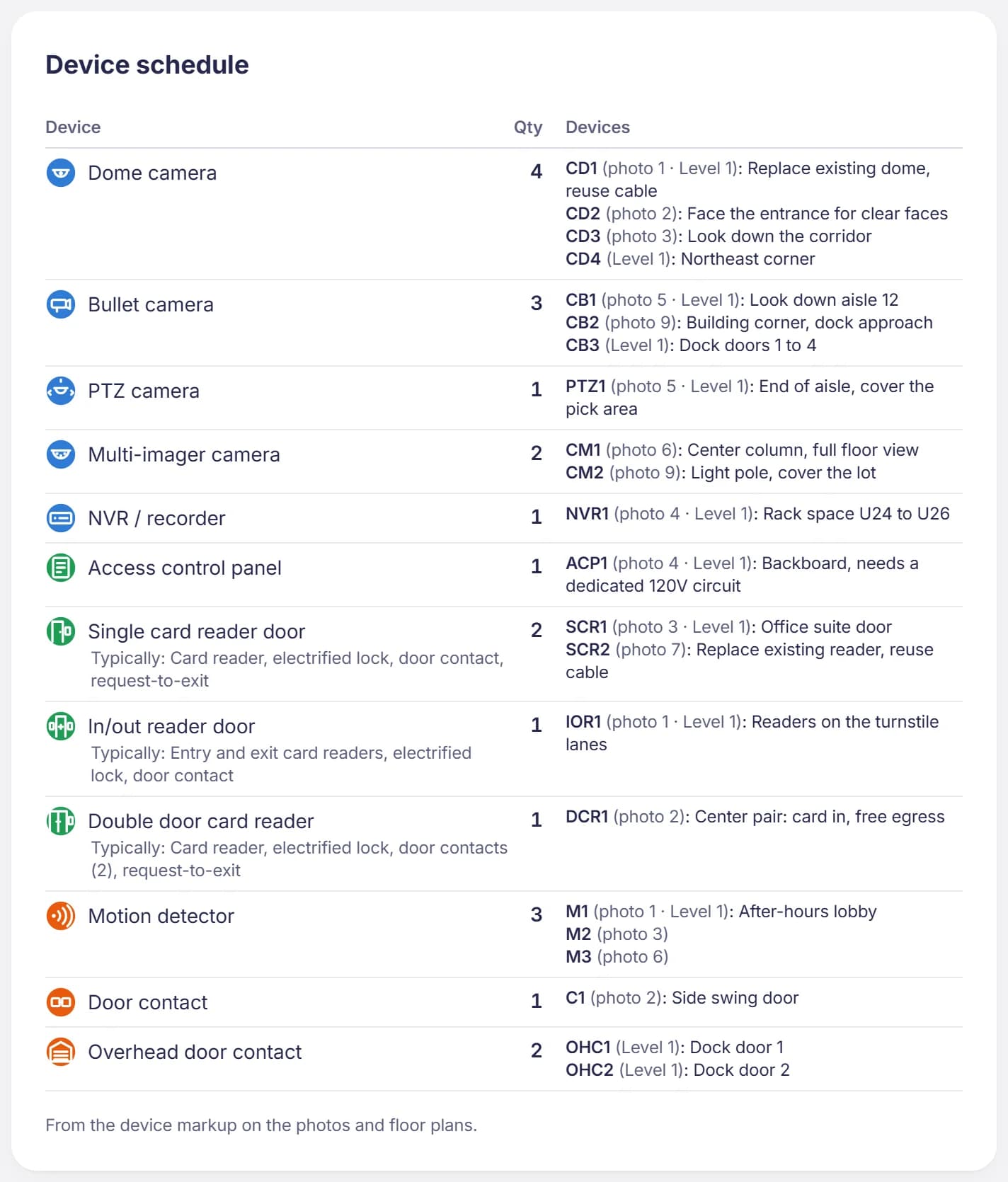
Every door, closet and pole. One walk.
One site, captured by one facilities manager, ready to quote. The tags are what got marked up.
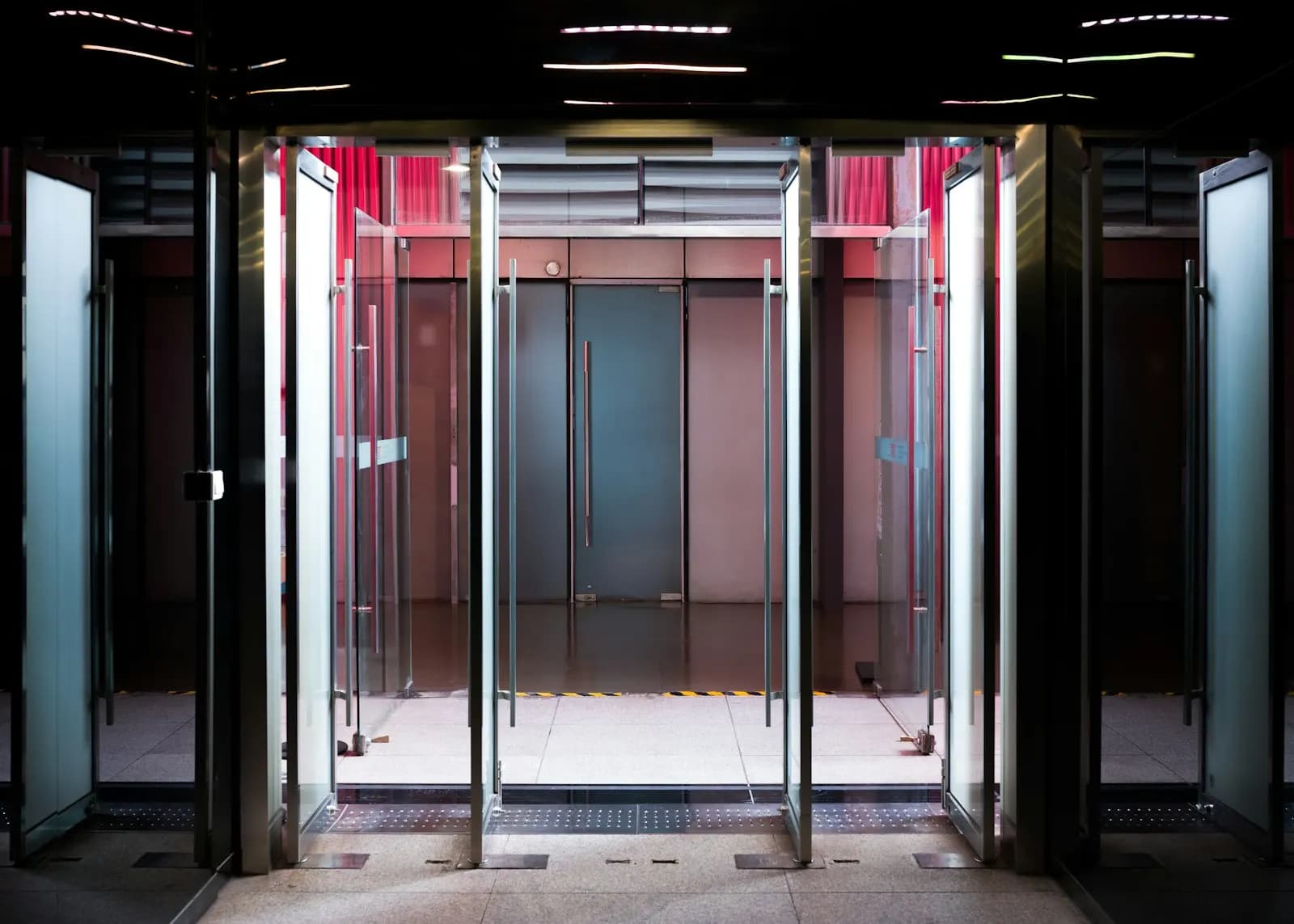
Main entrance
DCR1 · CD2 · C1

IDF / network closet
ACP1 · NVR1
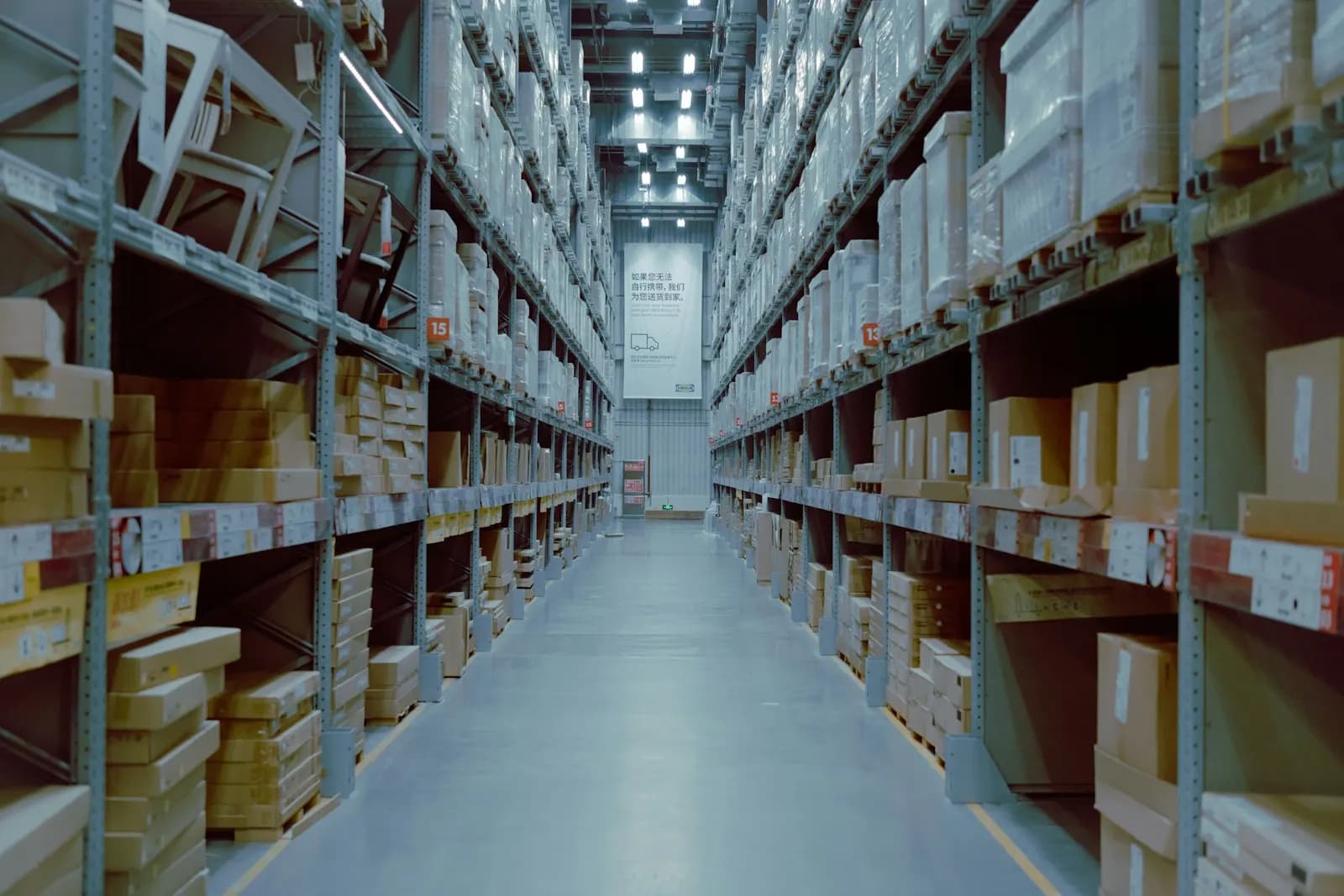
Warehouse aisles
PTZ1 · CB1
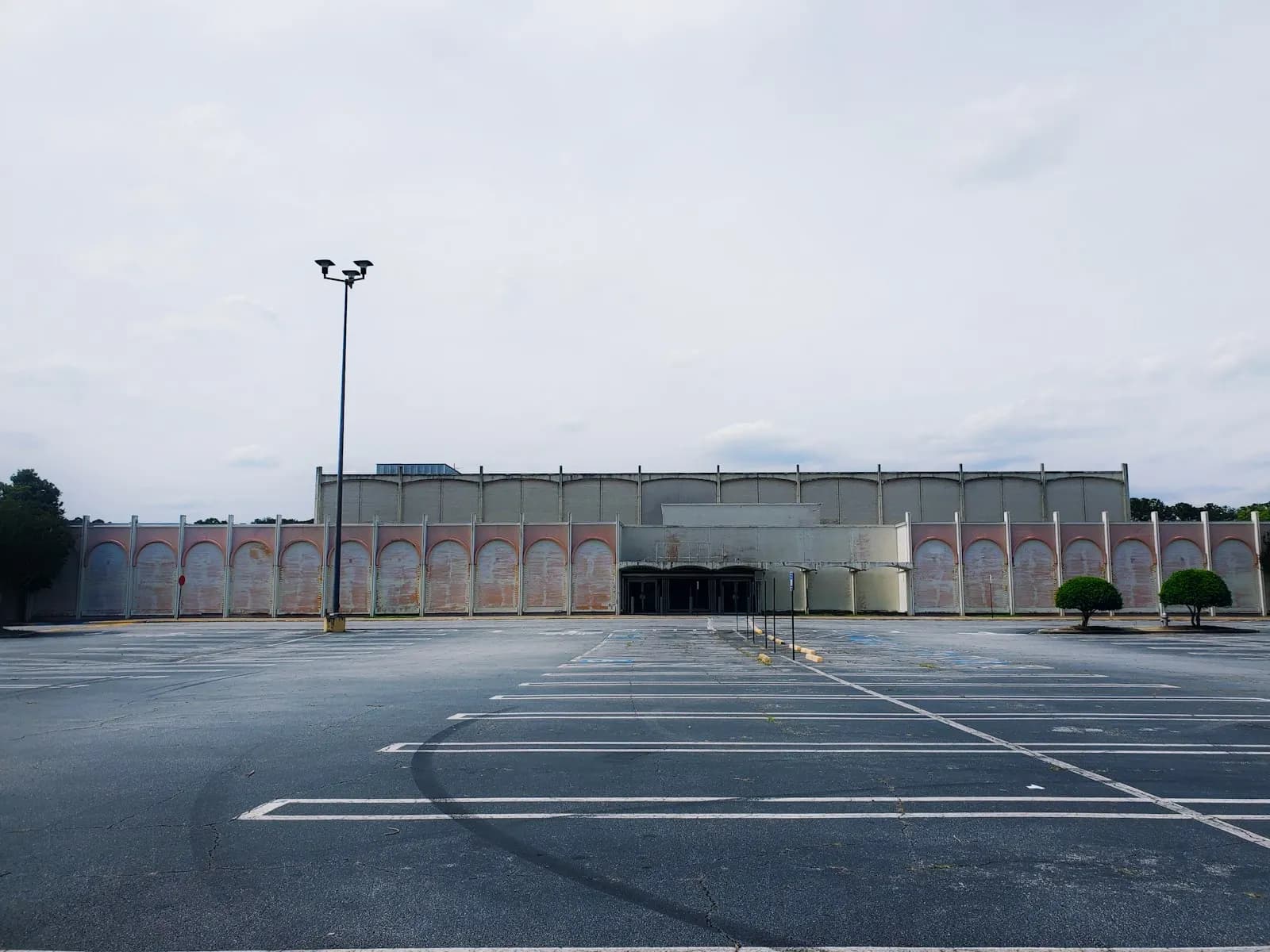
Parking lot
CM2 · CB2
Your brand
Your name on it. Not ours.
Your customer opens a link from your company and gets a report from your company. Try your colors.
Brand colors
Upload your logo and pick your colors once in Settings. Every report, PDF, client link and capture page uses them, and ScopeWalk Pro works out readable shades for light and dark mode. Logo on every plan; brand colors on Team and up.
Site walk report
Access control and video surveillance survey
Northwind Logistics · Distribution Center 4
11. Main lobby and reception
Turnstiles at the elevator bank; reception desk on the left.
Download PDF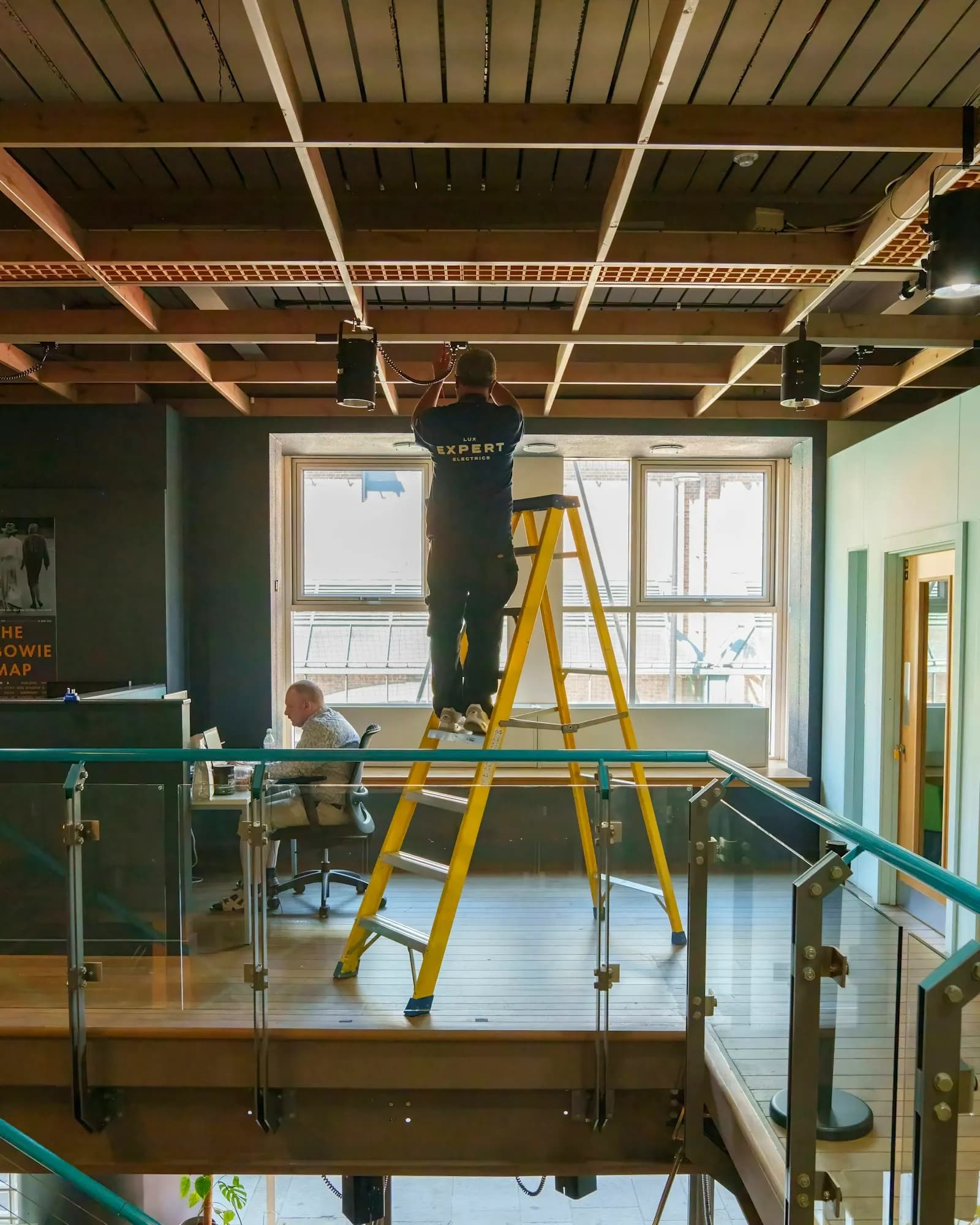
Send the link before you send the truck.
Try it on your next site walk. Seven days free, with every feature.